01
Give your buyers proof.
Access GPS-mapped farms and verified farmer records, ready for export and certification audits.
For traders
Trace every harvest from the farm, through the coop, to you.
Get a free demo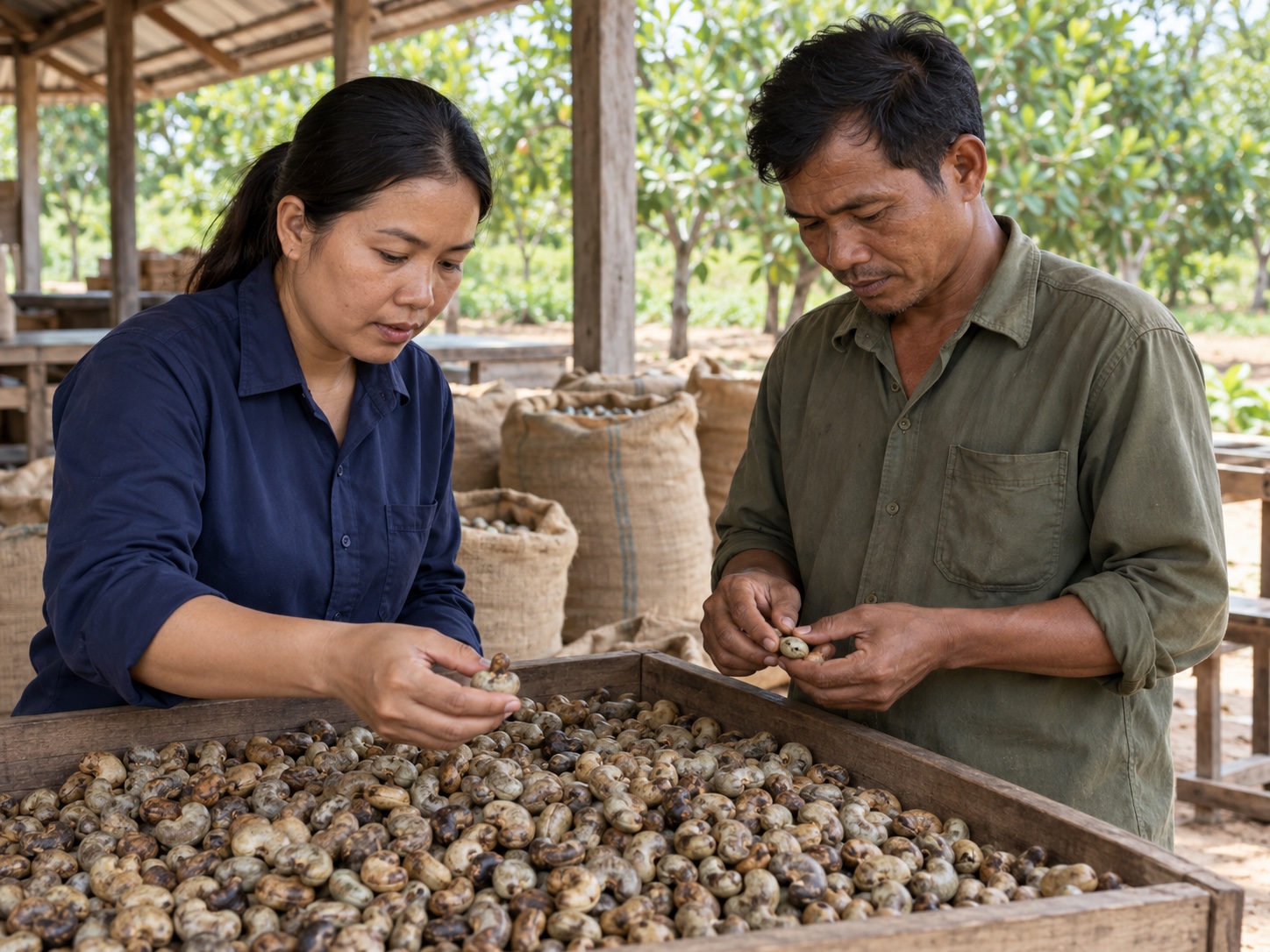
For traders
Connect your suppliers, field teams and crop records from farm to buyer.
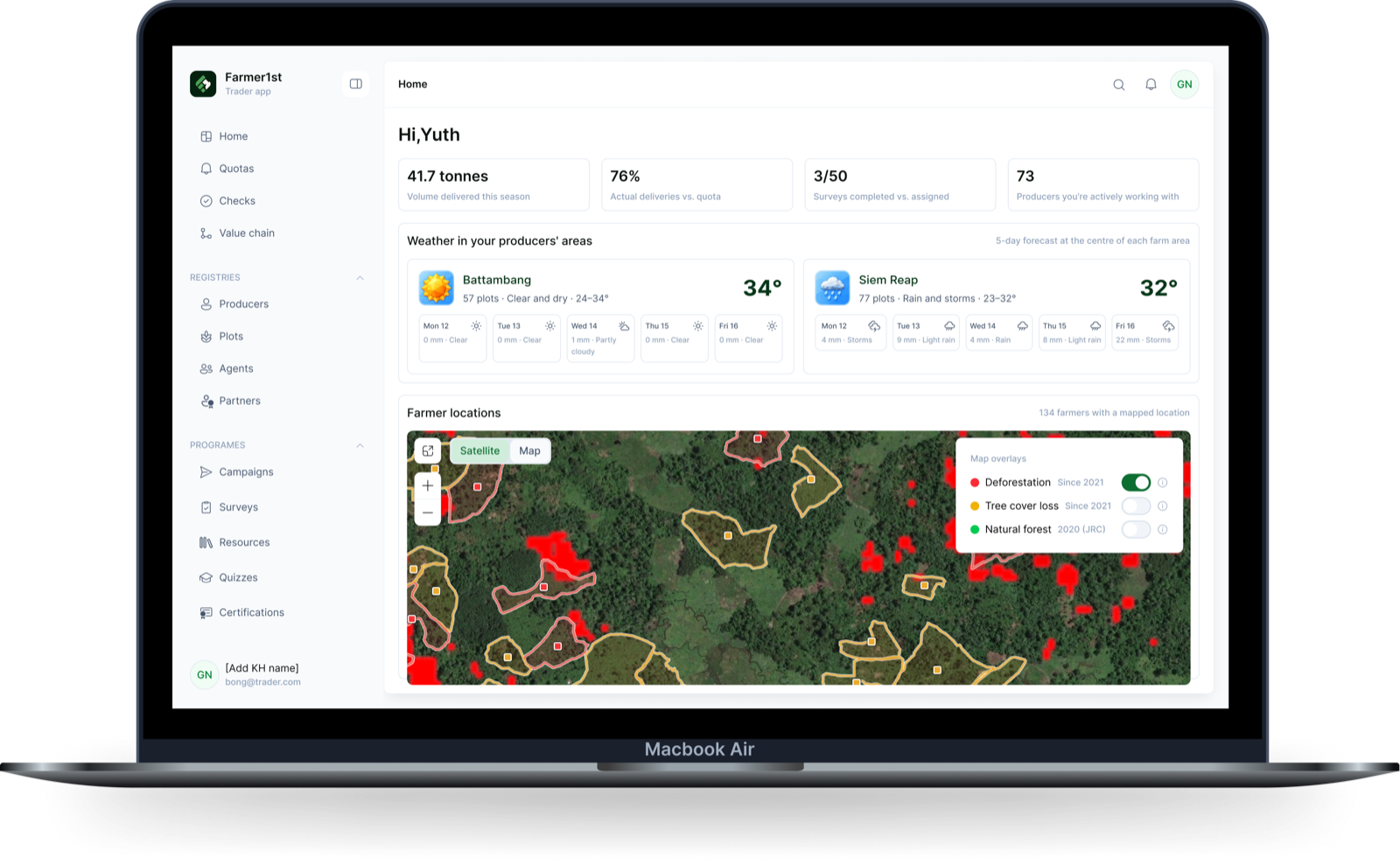
Access GPS-mapped farms and verified farmer records, ready for export and certification audits.
Send surveys and get yield forecasts straight from the farmers and coops who grow your crops.
Bring your current suppliers on board in minutes, and find new certified coops in the app.
Get and keep all your records in one place, ready for any audit.
Assign tasks to your field agents and track their work from the app.
Questions
You can bring your current suppliers on board in minutes.
Yes. Farmer1st connects to the traceability platforms, ERPs and tools you already use through open APIs and our integration layer, as a plugin, not a replacement. Your data can be exported at any time.
Everything you put in stays private: farmers, plots, prices, volumes. But Farmer1st is built so it can become pre-competitive: when buyers in a supply chain decide to share costs or data, they can, on the terms they set together. We make it possible; we never impose it.